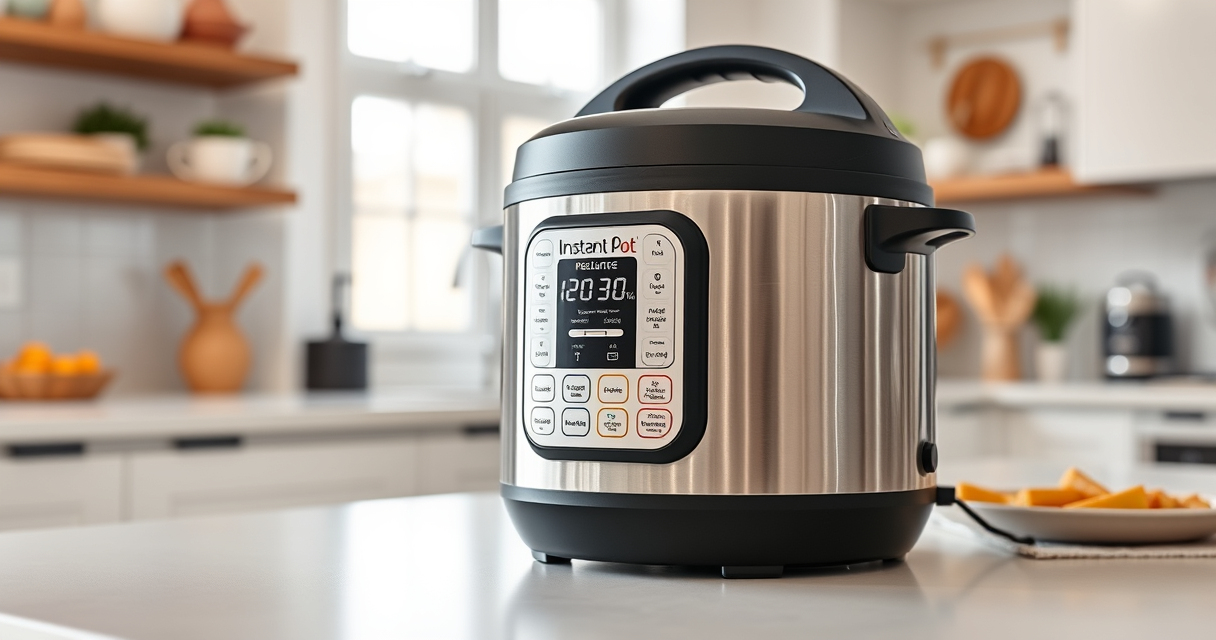

If your Instant Pot keeps showing a burn error, it can be frustrating and disrupt your meal prep. This guide provides clear, safe steps to identify and resolve common causes of the burn warning, helping you get back to cooking quickly and safely.

Get kitchen staples and gadgets delivered free with Prime
- Fast, free delivery on millions of items
- Prime Video, Amazon Music and more included
- Member-only deals all year
Understanding why this error appears is key. It often relates to food sticking to the bottom, insufficient liquid, or a clogged vent. By following these detailed instructions, you’ll be able to troubleshoot effectively and prevent future issues.
Key Takeaways
| Common Cause | Food sticking or burning at the bottom |
| Liquid Level | Ensure adequate liquid for pressure buildup |
| Cleaning | Keep vent and sealing ring clean |
| Layering | Avoid overcrowding and stirring during cooking |
| Preventive Tips | Use proper ingredients and techniques |
Step 1: Check the Inner Pot and Food
- Remove the inner pot and inspect the bottom for food residue or burnt spots.
- Ensure the food isn’t sticking excessively; scrape off any burnt bits carefully.
- If the bottom is heavily burnt, consider cleaning or replacing the inner pot.
Step 2: Verify Liquid Levels
Make sure there is enough liquid in the pot—generally at least 1 to 1.5 cups of liquid—since inadequate liquid can trigger the burn warning. Add more if necessary before restarting the cycle.
Step 3: Clean the Vent and Sealing Ring
- Remove the silicone sealing ring and clean it thoroughly with warm soapy water. Check for cracks or deformation and replace if damaged.
- Clean the vent and float valve area, ensuring no food or debris blocks them.
Step 4: Check the Lid and Sealing
Ensure the lid is sealing properly and that the sealing ring is correctly seated. Confirm the lid is locked securely before starting the pressure cycle.
Step 5: Restart and Monitor
- Replace the inner pot and secure the lid properly.
- Set your cooking program and start again, monitoring the process.
- If the burn error persists, consider reducing the cooking time or stirring the ingredients to prevent sticking.
The Products in This Guide

Instant Pot 4QT RIO Mini 7-in-1 Multi-Cooker
- ✔ Weight: 8 pounds
- ✔ Power: 1000W
- ✔ Warranty: 1-year limited

AOZITA Steamer Basket
- ✔ Weight: 1.5 pounds
- ✔ Color: Silver
- ✔ Type: Stainless Steel Steamer Basket
Instant Pot 4QT RIO Mini 7-in-1 Multi-Cooker
The Instant Pot 4QT RIO Mini 7-in-1 Multi-Cooker is a versatile kitchen appliance suitable for small households. Its compact size and multiple functions make it a practical choice for everyday cooking.
Pros:
- 7 cooking functions in one device
- Compact and easy to store
- Good for small servings
- Fast cooking with up to 70% time savings
Cons:
- Limited capacity for larger families
- Potential for burn errors if not used properly
- Requires cleaning of sealing ring regularly
Best for: Small households, singles, students
Not ideal for: Cooking for large families or batch meal prep
Bottom line: A versatile, space-saving multi-cooker ideal for small households, with proper maintenance preventing burn errors.
AOZITA Steamer Basket
The AOZITA Steamer Basket enhances your Instant Pot experience by allowing you to steam vegetables, eggs, and more simultaneously. Its two-tier design maximizes cooking efficiency.
Pros:
- Two-tier stackable design
- Made of durable stainless steel
- Fits 6 qt or 8 qt models
- Easy to clean
Cons:
- Adds extra cleaning step
- Requires careful stacking to avoid tipping
- Not suitable for very small foods
Best for: Steaming multiple ingredients at once
Not ideal for: Cooking large quantities or heavy foods
Bottom line: A versatile accessory that expands your Instant Pot’s steaming capabilities.
Frequently Asked Questions
Why does my Instant Pot keep showing a burn error?
The burn error typically occurs due to food sticking to the bottom, insufficient liquid, or a clogged vent or sealing ring. Proper cleaning and adding enough liquid usually resolve it.
How much liquid should I add to prevent the burn error?
Add at least 1 to 1.5 cups of liquid, depending on the recipe, to ensure enough steam and prevent food from burning.
Can I use the same sealing ring for different recipes?
Yes, but it’s best to replace the sealing ring if it develops an odor or cracks to maintain proper sealing and safety.
How often should I clean the vent and sealing ring?
Clean the vent and sealing ring after each use to prevent residue buildup that could cause the burn error or reduce sealing effectiveness.
Mastering Your Instant Pot for Flawless Cooking
By following these troubleshooting steps, you can resolve most burn errors and keep your Instant Pot functioning smoothly. Regular maintenance and proper ingredient layering are key to preventing future issues. With a little care, your mini multi-cooker can deliver quick, delicious meals reliably every time.
Affiliate disclosure: As an Amazon Associate we earn from qualifying purchases. Prices and availability are accurate as of the time of publishing.
NFL season / tailgating Picks
team gear
As an affiliate, we earn on qualifying purchases.